Before starting
For your article pages, you can choose from several layouts and designs. This article explains how to modify the design of your articles and covers the following points:
Examples of available designs
Below are a few examples of layout templates.
Front-page format + 3 columns
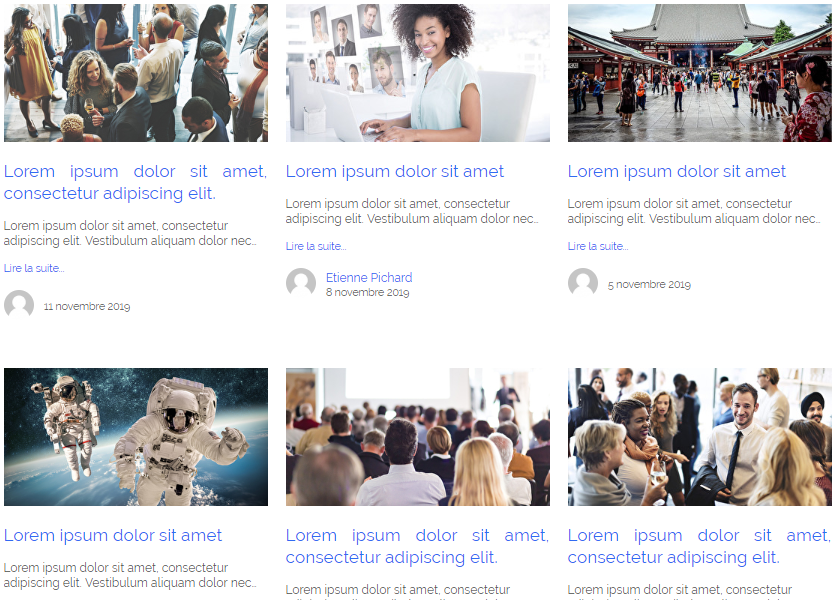
3-column format
 2-column format
Choosing a template for your blog
- To choose a layout, go to Website > Smart Pages > Blog Pages. Next, choose your blog post page in the drop down menu, and click on the Template selection button.
- You can then choose between the different models at your disposal:
- Click on Save and you can then go and see the rendering on your site:
Blog posts display order
Articles appear in an order based on publication dates, with the most recent first. If you wish to change this order, simply play with the dates.
Move your mouse over an article: click on Manage. You can then change the article's publication date to suit your needs.
Don't forget to click Save for the change to take effect.
Comments
0 comments
Article is closed for comments.