Before starting
When you create and publish an event using our Events feature, you can choose to generate an e-ticket for each participant.
These tickets have a QR code that will allow you to control the ticket's validity at your event. You can scan these QR codes using the ticket-scanning feature, from your smartphone, computer, or through a barcode reader.
In this article we cover the following topics:
Where can I find the ticket-scanning feature?
- From your admin account on the software, head over to Events, then click on the Manage icon of the event you want to scan tickets for.
- Head over to the Share tab and click Scan tickets.
- You will access a menu page, where you can decide how to scan the tickets.
How does the feature work?
You can choose any of these options to scan the tickets:
- Scan with a smartphone: Uses the camera on your smartphone, this option also works on your PC as long as your webcam is on.
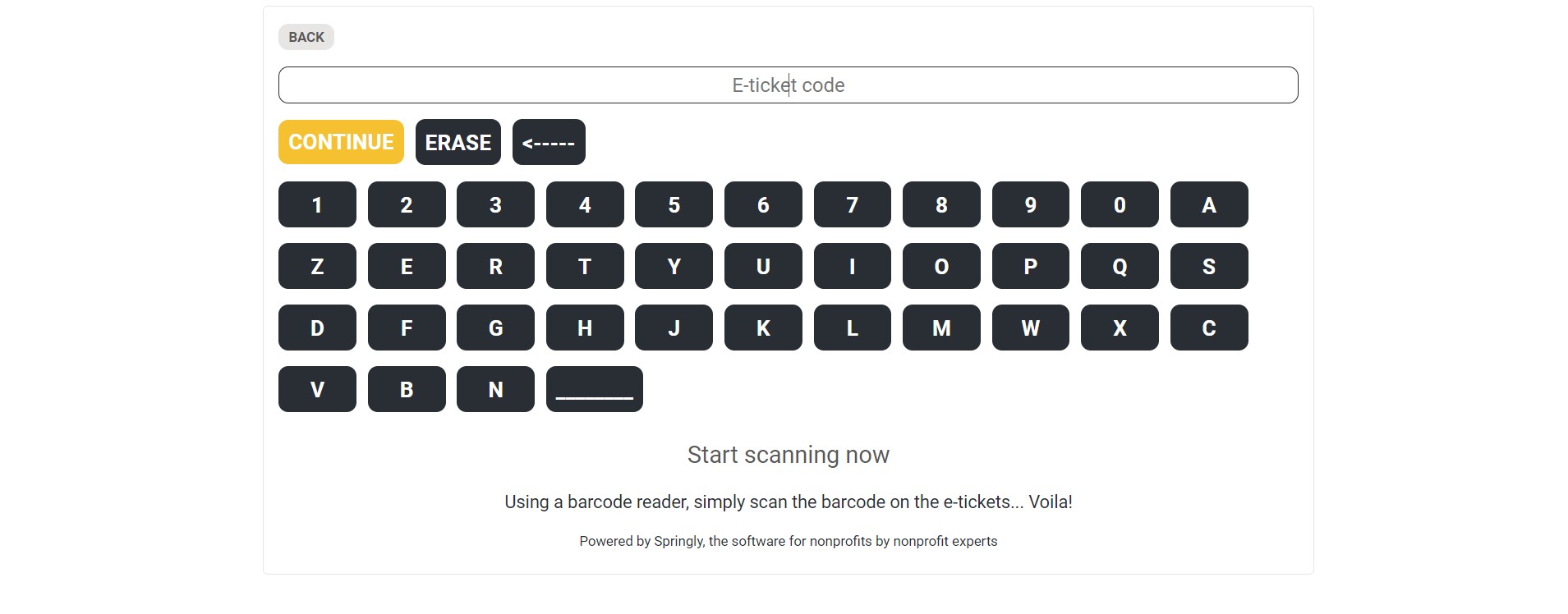
- Scan with a barcode reader: Works with a barcode reader or by manually entering the ticket number.
Scan with a Smartphone (or PC)
To scan with a smartphone, you need to open the software on your smartphone and follow the steps above to reach the same menu and select Scan with a Smartphone (QR Code).
The camera of your telephone will start and you will be able to scan e-tickets by bringing the QR code close to the camera. The screen will then tell you if the ticket is valid or not.
From a computer, after clicking on Scan with a smartphone (QR Code), the screen will display what your computer's webcam sees. If you do not have a webcam, you will not be able to use this option.
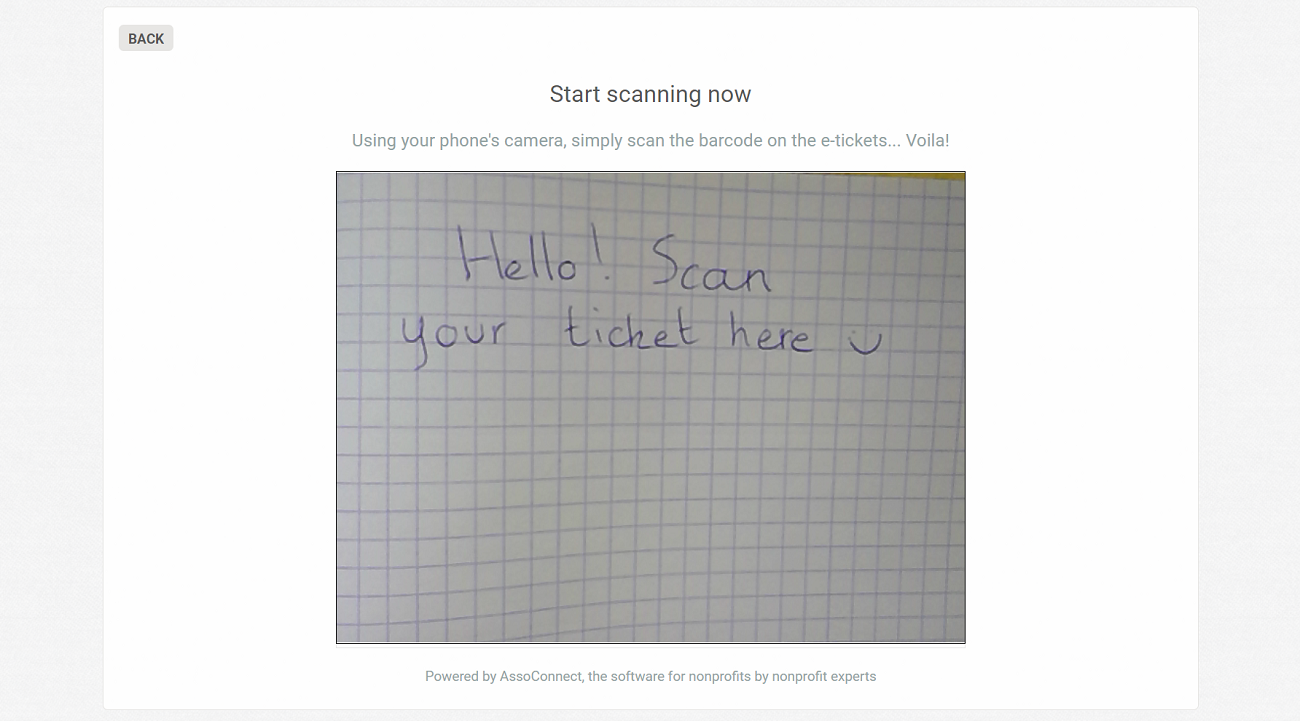
If nothing shows up, make sure your webcam is turned on (the camera icon is visible to the right of your browser search bar). If your webcam is not integrated into your computer, make sure it is plugged in and turned on.
Scan with a barcode reader
By choosing to Scan with a barcode reader, you will have the option to scan the e-tickets using a barcode reader or enter the ticket number manually.
Comments
0 comments
Article is closed for comments.