Email reminders are an easy and automated way to ensure your members are engaged when renewal season arrives, allowing your organization to anticipate revenue from those renewing members and helping you save time!
This article covers the following points:
Where to enable email reminders
1. Go to Settings> Forms & Campaigns> Automation section
2. Activate the Automatic Membership Renewal Option
When the feature is turned on, email reminders are sent to members to remind them to renew their memberships.
When the feature is turned off, email reminders are not sent to members.
How email reminders work
Enabling the email reminders feature will trigger an automated workflow from the Springly software. Once you set it, you don't need to worry about it!
The workflow is made up of two parts that work together, triggering six emails in total. Once the member renews, the system automatically removes them from the workflow, ensuring they are not receiving emails that are no longer relevant to them.

Before membership expiration: 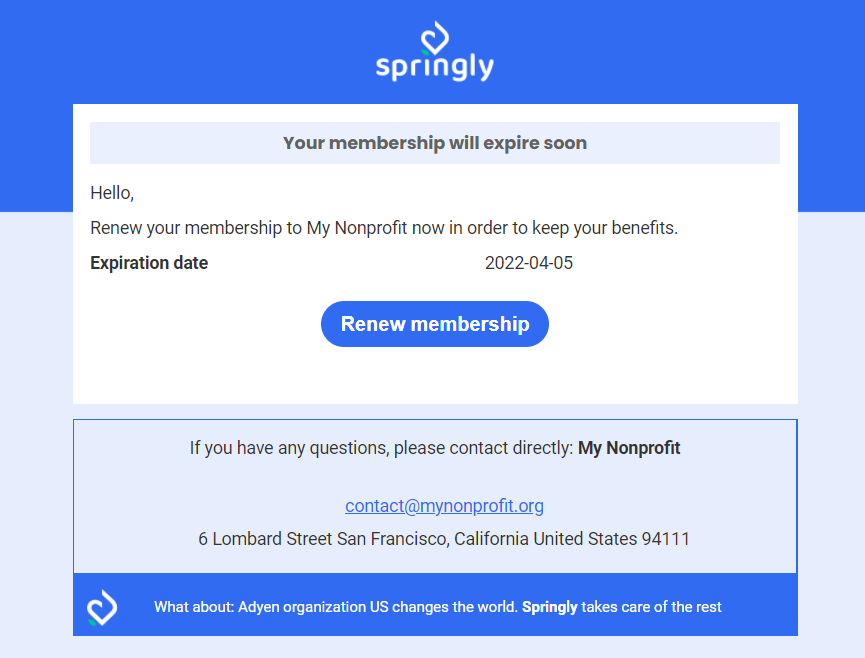
After membership expiration:
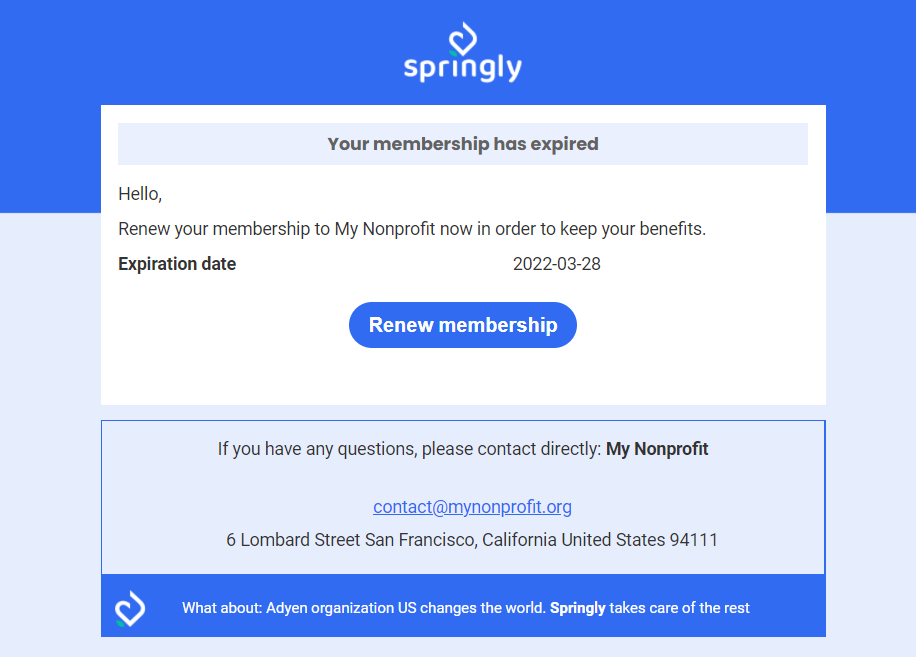
Note: The email templates are currently not customizable.
How the renewal process works
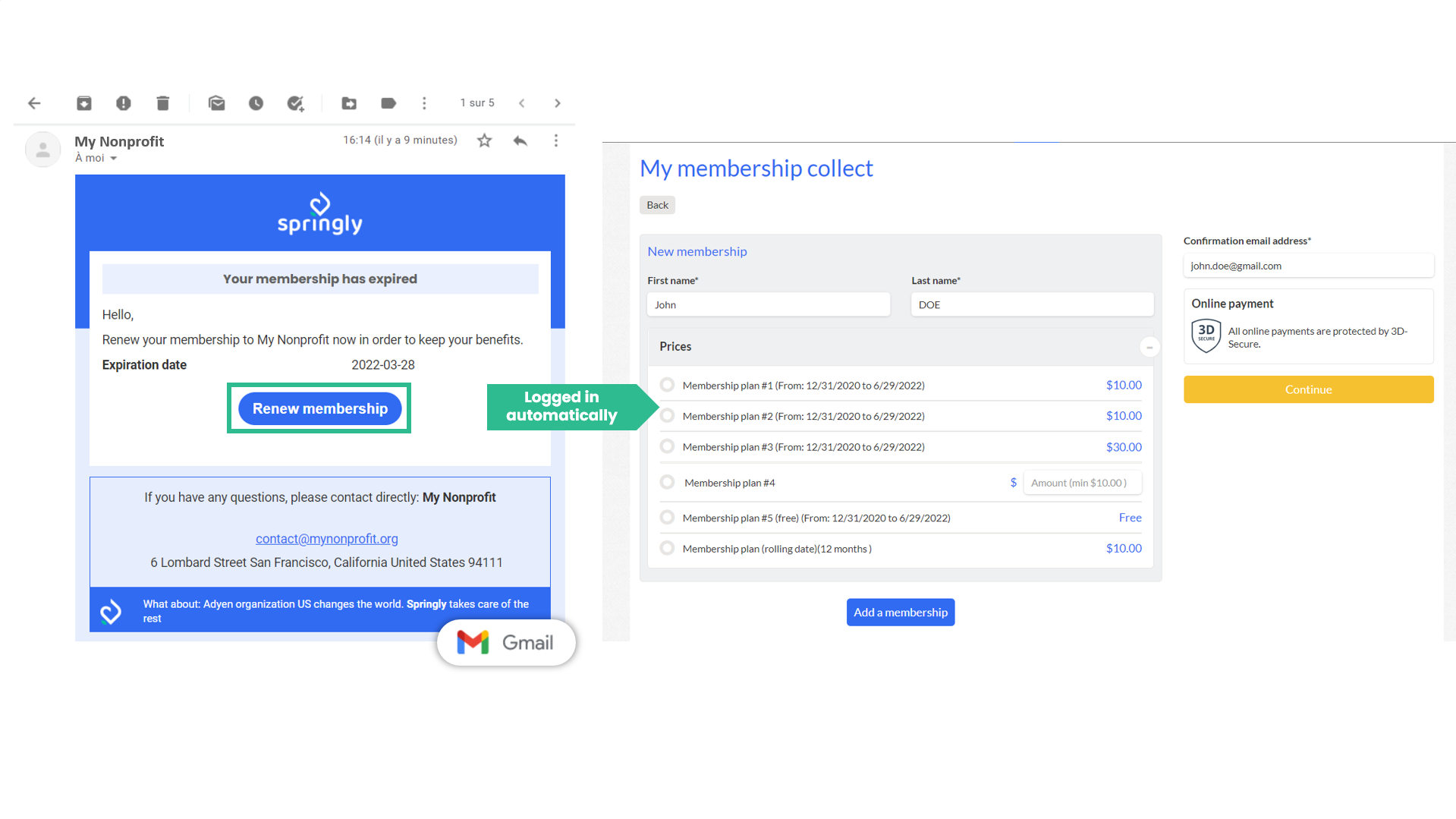
When a member clicks on the button within the email to renew their membership, they will be redirected to the membership renewal page and automatically logged into their profile. The membership form will be autocompleted for them.
Note: Automatic member login is valid using the button for three days after the email is sent. After three days, the member must manually log in to their account.
Comments
0 comments
Article is closed for comments.